Microsoft 365 Fundamentals: Complete Beginner Guide to Core Services and MS-900 Preparation
Peter Traynor Sime
Author
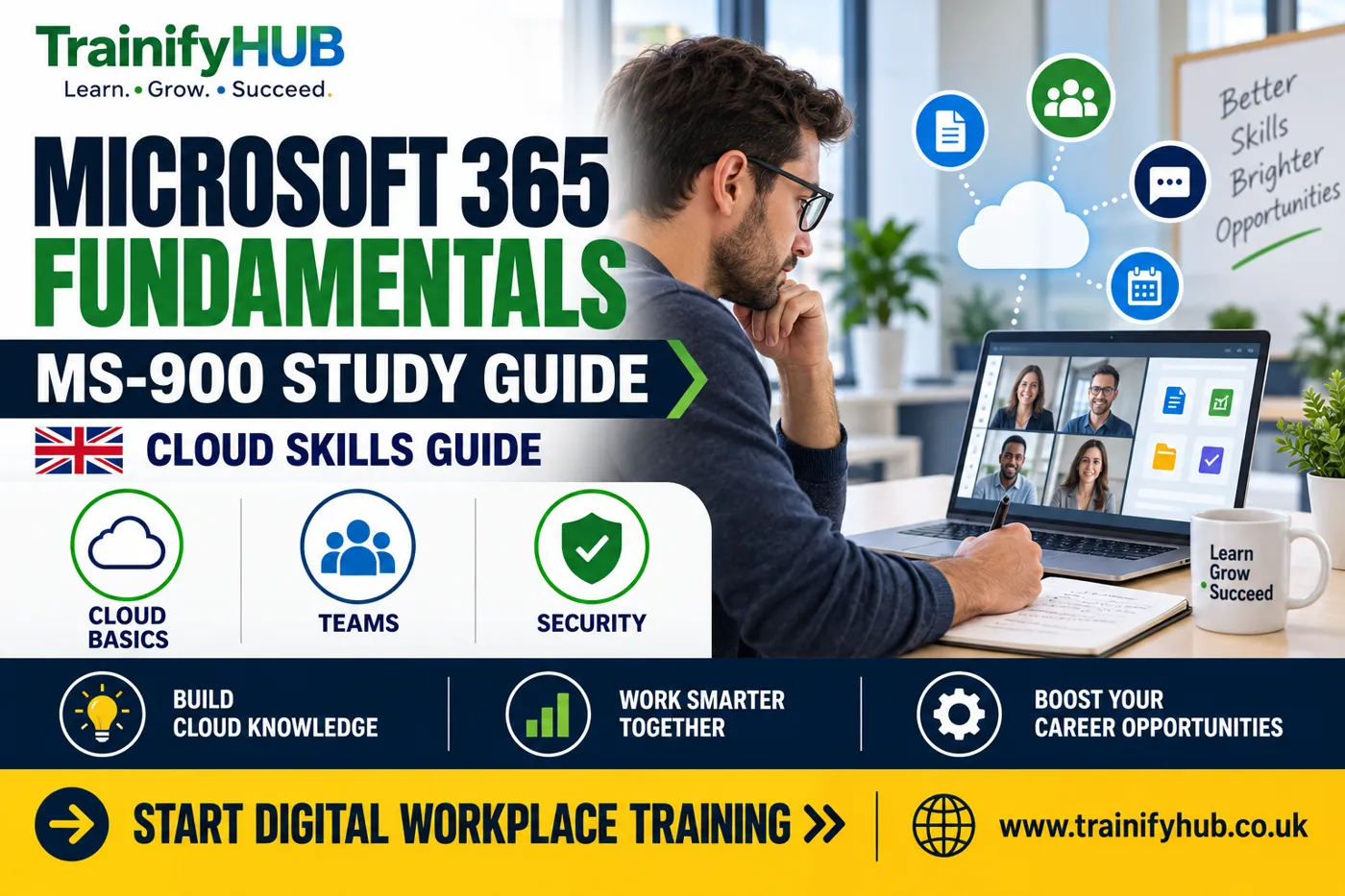
Microsoft 365 Fundamentals is the beginner-level knowledge area behind the MS-900 exam. It covers cloud concepts, Microsoft 365 apps and services, security, compliance, privacy, trust, pricing and support at a foundation level. This guide is prepared for learners and employers comparing training options on TrainifyHUB. This guide is prepared for learners and employers comparing training options on TrainifyHUB.
This guide is for UK learners, career changers, administrators, support staff and business users who want to understand Microsoft 365 before moving into deeper administration or specialist training.
Key Takeaways
Microsoft 365 Fundamentals is designed for people who need a broad introduction, not advanced administrator depth.
MS-900 preparation should cover cloud concepts, productivity apps, identity, security, compliance and Microsoft 365 pricing/support themes.
The course is useful for business users, junior IT staff, sales/support teams and anyone preparing for the MS-900 exam.
Microsoft 365 fundamentals training can prepare you for the exam, but exam booking, scoring and certification rules are controlled by Microsoft.
Learners aiming for administrator roles may later move towards deeper training such as Microsoft 365 identity, services and administrator topics.
What does Microsoft 365 Fundamentals mean?
Microsoft 365 Fundamentals is the entry point for understanding how Microsoft 365 works as a cloud productivity and collaboration platform. For exam scope, use the Microsoft Learn MS-900 study guide. It helps learners understand what Microsoft 365 includes, why organisations use it and how core services fit together. For related TrainifyHUB guidance, see Digital Skills and Computer Fundamentals course. For official context, see Microsoft Learn MS-900 study guide. For related reading, see the Microsoft 365 Fundamentals guide.
The official Microsoft Learn MS-900 study guide describes the exam areas, including cloud concepts, Microsoft 365 apps and services, security, compliance, privacy, trust, pricing and support. Use the official guide as the source of truth for exam scope because Microsoft can update exam content. For an additional UK reference, see Microsoft Learn training documentation.
Who should learn Microsoft 365 Fundamentals?
This topic is useful for more than one type of learner. For structured learning on this topic, review the Microsoft 365 Fundamentals and MS-900 Certification Preparation course. A relevant TrainifyHUB course option is the Digital Skills and Computer Fundamentals course.
Learner | Why it helps |
New IT support staff | Builds vocabulary around Microsoft 365 services and tenant features. |
Business users | Explains the tools they use every day, such as Teams, SharePoint, OneDrive and Office apps. |
Sales or customer support teams | Helps explain Microsoft 365 benefits without needing administrator-level detail. |
Career changers | Provides a first step before role-specific Microsoft training. |
Managers | Helps with service selection, adoption planning and communication with IT teams. |
The aim is confidence with the Microsoft 365 landscape. Learners who also work with reports may find the Microsoft Excel for Workplace Data Management, Reporting and Business Productivity course useful. It should not be treated as a replacement for hands-on administrator experience.
What does MS-900 Microsoft 365 Fundamentals training cover?
MS-900 Microsoft 365 Fundamentals training should follow the exam objectives. The balance may change over time, but the main areas are stable enough to plan learning. A useful source for checking this point is Microsoft 365 documentation.
Cloud concepts. Understand cloud computing, shared responsibility, service models and common benefits such as scalability and availability.
Microsoft 365 apps and services. Learn how Teams, Exchange, SharePoint, OneDrive, Microsoft 365 Apps, Viva and related services support work.
Identity, access and security. Understand users, groups, permissions, authentication, Zero Trust ideas and device/security concepts at a high level.
Compliance and trust. Learn how privacy, data protection, compliance features and trust principles appear in Microsoft 365.
Pricing, licensing and support. Understand subscription ideas, service lifecycle, support options and how organisations compare plans.
The exam is broad. Good preparation connects terms with workplace examples rather than treating every service name as a fact to memorise.
How should beginners prepare for MS-900?
Start by mapping the exam outline to short study blocks. Microsoft 365 is easier to learn when you connect each topic to a practical workplace scenario. A related TrainifyHUB option is the Digital Skills and Computer Fundamentals course.
Use the official study guide to check the current exam scope.
Learn the difference between Microsoft 365, Office apps, Windows, Entra ID and Azure services.
Build a simple glossary for services such as Teams, SharePoint, Exchange and OneDrive.
Practise explaining why an organisation might use a feature, not only what the feature is called.
Review security and compliance concepts carefully because beginners often underestimate them.
Use practice questions to find weak areas, then return to the official learning material.
If you are studying for a job, pair exam preparation with real workplace tasks where possible. For example, understanding Teams is stronger when you can also explain channels, meetings, files and governance.
If you are still building confidence with everyday computer use, TrainifyHUB's Digital Skills and Computer Fundamentals course can be a useful step before Microsoft 365 exam preparation.
Is Microsoft 365 Fundamentals enough for an administrator role?
No. Microsoft 365 Fundamentals gives a foundation, but administrator roles need deeper skills. Admin work may involve identity management, device management, Exchange, SharePoint, Teams governance, security settings, compliance tools, user support and change management. For further reading, see the Microsoft 365 Fundamentals guide.
That is why a learner may start with Microsoft 365 Fundamentals and later move towards role-specific training. The supplied keyword set mentions MS-102 Microsoft 365 administrator training; that is a more advanced direction and should not be confused with MS-900.
How can TrainifyHUB support Microsoft 365 learning?
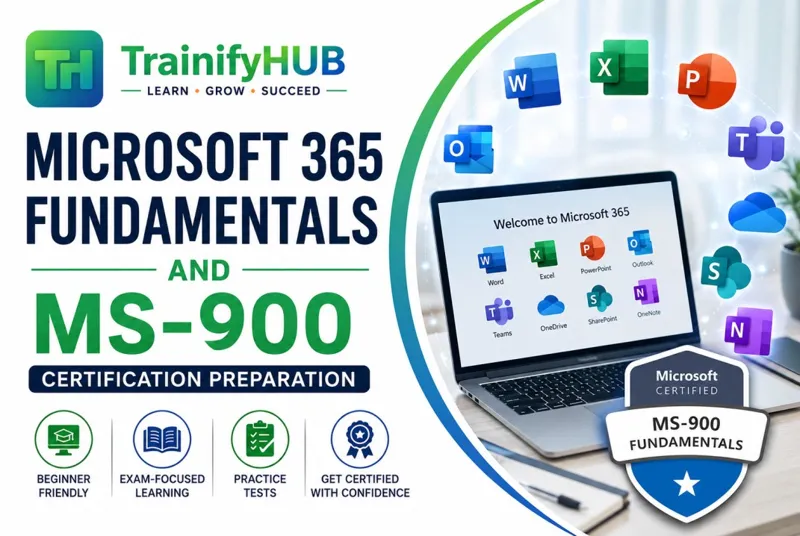
TrainifyHUB's Microsoft 365 Fundamentals and MS-900 Certification Preparation course supports learners who want structured online study around Microsoft 365 basics and MS-900 preparation. You can compare this with Microsoft certification exam policies. A relevant TrainifyHUB course option is the Microsoft 365 Fundamentals and MS-900 Certification Preparation course.
Use the course to build understanding, organise revision and prepare more confidently. For official certification requirements, exam registration, retirement notices or objective changes, always check Microsoft Learn before booking.
You can also browse the wider TrainifyHUB online course catalogue for related workplace, digital and professional-development training.
Conclusion
Microsoft 365 Fundamentals is the right starting point when you need a clear overview of Microsoft 365 services, cloud concepts and MS-900 exam themes. It gives learners shared language before they move into deeper technical or administrative work. Teams may also find the Microsoft Excel for Workplace Data Management, Reporting and Business Productivity course relevant.
To begin structured preparation, view TrainifyHUB's Microsoft 365 Fundamentals and MS-900 Certification Preparation course and compare it with the latest Microsoft exam guide.
Frequently Asked Questions
Microsoft 365 Fundamentals is the knowledge area. MS-900 is the Microsoft exam connected with that fundamentals certification path.
Yes. It is intended as a fundamentals-level exam, although beginners should still study the official objectives carefully.
Yes. Microsoft 365 apps and services commonly include collaboration and productivity tools such as Teams, SharePoint, OneDrive and Exchange.
Online training can support preparation, but Microsoft controls the exam objectives, booking process and certification decision.
Many learners start with fundamentals before administrator-level training. MS-102 is a deeper administrator route, so check your experience and role goals first.
Check it before starting serious revision and again before booking the exam, because Microsoft can update certification content.