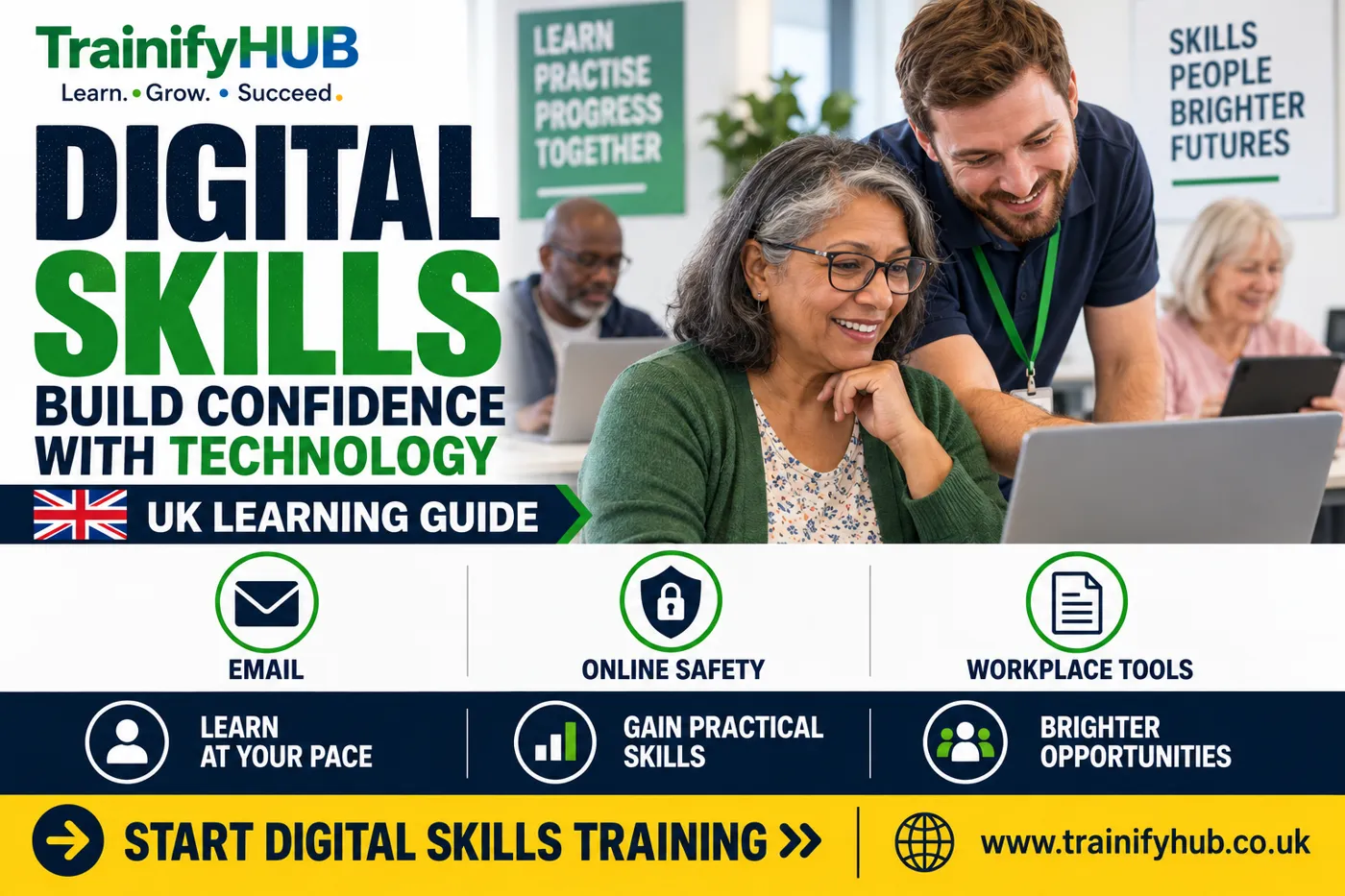
What Are Digital Skills? Essential Computer Skills for Work and Everyday Life
Peter Traynor Sime
Author
Digital skills are the practical abilities people use to work, communicate, find information, solve problems and stay safe online. In the UK, essential digital skills matter for jobs, public services, study, banking, shopping and everyday administration. This guide is prepared for learners and employers comparing training options on TrainifyHUB.
This guide explains what digital skills include, why they matter at work and how learners can build confidence through structured online training.
Key Takeaways
Digital skills cover more than typing; they include communication, online safety, information handling, transactions and problem solving.
UK employers increasingly expect workers to use digital tools confidently in everyday tasks.
Essential digital skills training should match the learner's starting point, job role and confidence level.
A certificate can support training records, but practical confidence comes from using the skills regularly.
TrainifyHUB's digital skills course can help beginners organise learning around real workplace and everyday tasks.
What are digital skills in simple terms?
Digital skills are the skills needed to use computers, phones, tablets, online services and workplace software safely and effectively. The UK Skills for Careers service describes five essential areas: communicating, handling information and content, transacting, problem solving, and being safe and legal online: essential digital skills for work.
In everyday life, this might mean sending an email, completing an online form, joining a video call, saving a document, checking a file is safe, using a spreadsheet or finding reliable information online.UK cyber security guidance.
Why do digital skills matter at work?
Most jobs now involve some form of digital activity. A care worker may use digital records. A construction supervisor may complete online site forms. A receptionist may manage bookings and email. A manager may use spreadsheets, shared drives and reporting tools. For source context, see Skills for Careers essential digital skills.
Digital skills for work help people complete tasks accurately, communicate clearly and avoid avoidable security mistakes. They also make it easier to take further training, because many courses and assessments now use online platforms.
Skill area | Workplace example |
Communicating | Sending clear emails, joining video meetings and using chat tools. |
Handling information | Saving files, naming documents and checking reliable sources. |
Transacting | Completing forms, bookings, payments or requests online. |
Problem solving | Fixing simple issues and choosing the right digital tool. |
Safety and legality | Using passwords, spotting scams and protecting personal data. |
What should an essential digital skills course cover?
An essential digital skills course should start with practical tasks. Beginners need confidence with devices, navigation, browsers, email, documents, file storage, online forms and safe internet use.
For workplace learners, the course should also connect digital basics with common job tasks. That may include creating simple documents, understanding spreadsheets, managing passwords, using cloud tools and communicating professionally online.
If you already use digital tools every day, you may not need a beginner course. Instead, you may benefit from a focused course in spreadsheets, Microsoft 365, data handling or workplace reporting. A relevant TrainifyHUB course option is the Digital Skills and Computer Fundamentals course.
How can learners build confidence?
Confidence comes from repetition and clear feedback. Start with tasks that matter to your life or work, then gradually add new tools. A related TrainifyHUB option is the Microsoft 365 Fundamentals and MS-900 Certification Preparation course.
List the tasks you avoid. This shows where training will help most.
Practise one tool at a time. Do not try to learn every app in one day.
Use realistic examples. Write an email, save a document or complete a form you might actually use.
Check safety habits early. Passwords, scams and data privacy should not be left until the end. A relevant TrainifyHUB course option is the Microsoft 365 Fundamentals and MS-900 Certification Preparation course.
Keep notes. Simple step notes help you repeat the task without panic.
Move into role-specific tools. Once the basics are secure, practise the systems used in your workplace.
How do digital skills connect with Microsoft 365 and Excel?
Digital skills are the base layer. Microsoft 365 and Excel are more specific toolsets. A learner may first need confidence with files, email and online navigation before studying Microsoft 365 services or spreadsheet reporting. For further reading, see the Microsoft 365 Fundamentals guide.
TrainifyHUB's Microsoft 365 Fundamentals guide explains how cloud productivity tools fit together. Learners who need spreadsheet confidence can later move into Excel or reporting training.
How can TrainifyHUB support digital skills?
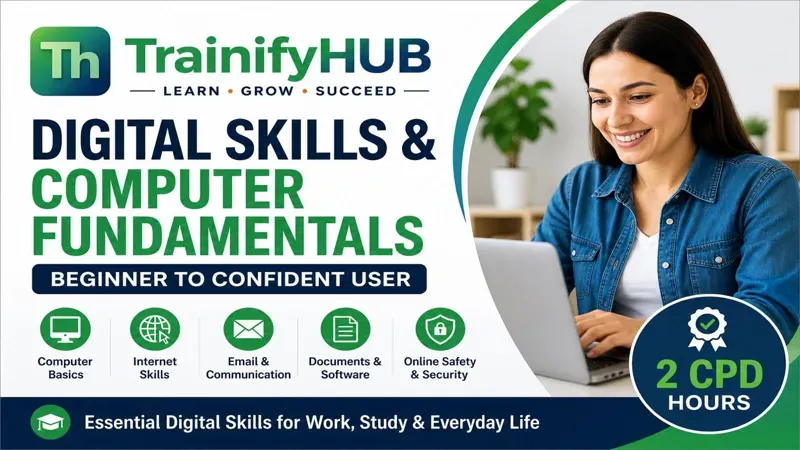
TrainifyHUB's Digital Skills and Computer Fundamentals Course supports learners who want a structured online introduction to essential computer skills. A relevant TrainifyHUB course option is the Microsoft Excel for Workplace Data Management, Reporting and Business Productivity course.
You can also browse the wider TrainifyHUB online course catalogue for related workplace, IT and productivity training.
Conclusion
Digital skills make everyday work and life easier because they help people communicate, manage information, complete tasks and stay safer online.
To build confidence, view TrainifyHUB's Digital Skills and Computer Fundamentals Course and choose a learning route that matches your starting point.
Frequently Asked Questions
They are the skills people use to work with digital devices, online services, information, communication tools and basic workplace software.
They are core skills for communication, handling information, online transactions, problem solving and staying safe and legal online. For related reading, see the Microsoft 365 Fundamentals guide.
Yes. Many UK roles now expect workers to use email, online forms, shared files, workplace systems or digital records.
Yes. Online learning can support digital confidence, especially when it uses practical tasks and lets learners practise at their own pace.
That depends on your goal. Common next steps include Microsoft 365, Excel, workplace data, online safety or role-specific software.
It can support training records, but confidence and competence are built by applying the skills in real tasks.