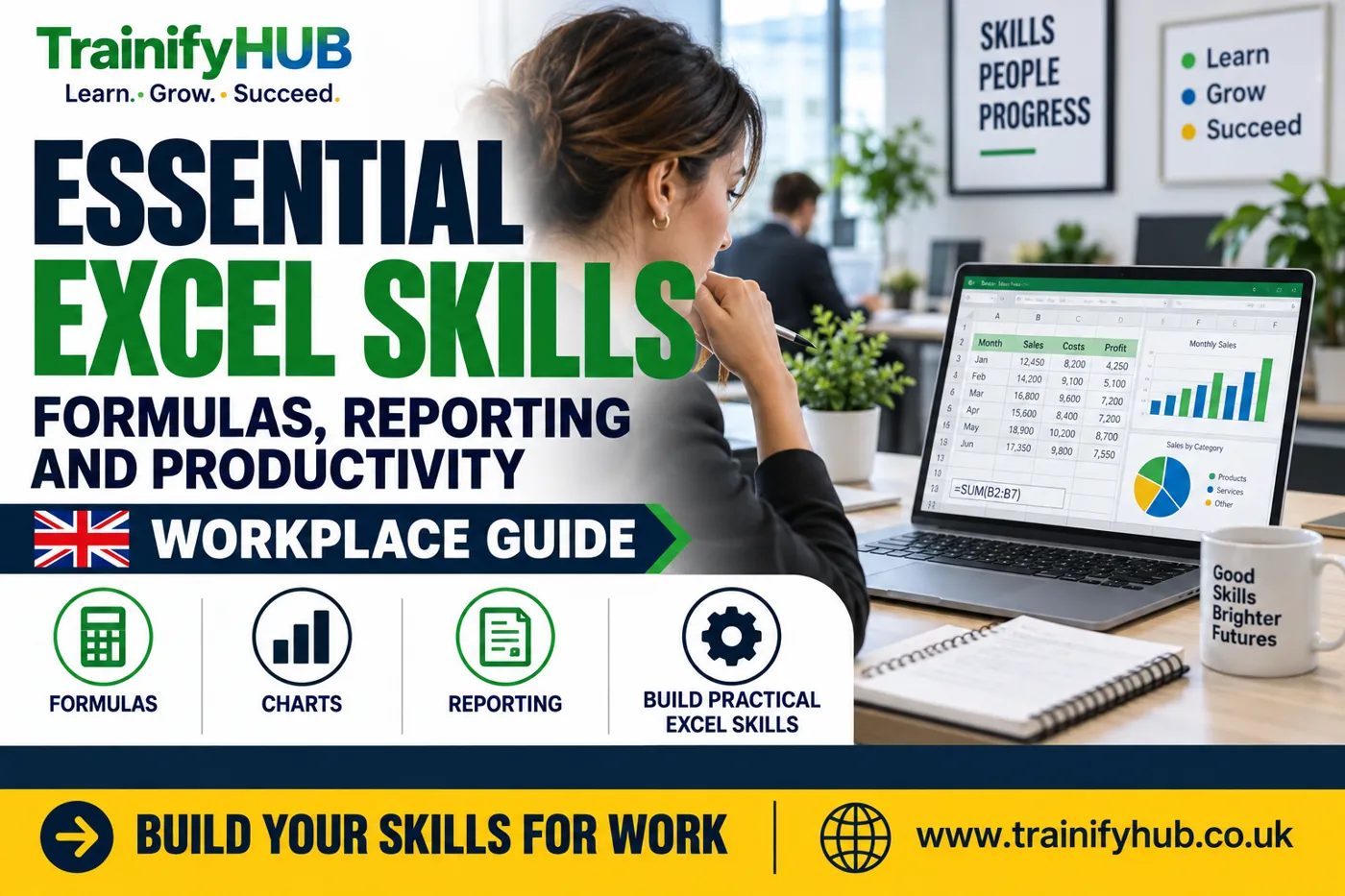
Essential Excel Skills for Work: Formulas, Reporting and Productivity
Peter Traynor Sime
Author
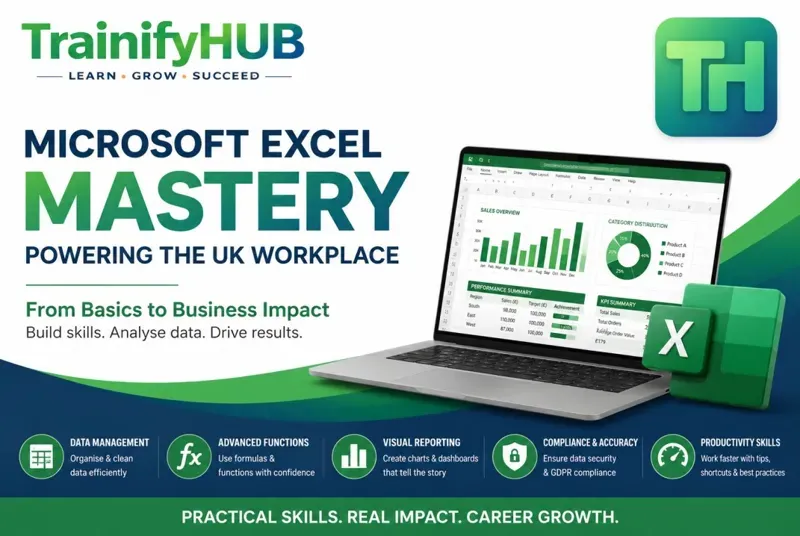
Excel skills help UK workers organise information, calculate accurately, create reports, track performance, and make better everyday business decisions. For many office, finance, operations, admin, HR, care, construction, retail, and education roles, Excel remains one of the most useful workplace tools to understand properly. This guide is prepared for learners and employers comparing training options on TrainifyHUB.
This guide explains the basic, intermediate, and advanced spreadsheet abilities worth learning, how they support productivity, and when structured Excel training can help you build confidence faster.
Key Takeaways
The most useful spreadsheet skills are practical: organising data, using formulas, sorting and filtering, checking accuracy, and building clear reports.
Beginners should focus on structure and confidence before moving into advanced formulas or dashboards.
Employers value Excel because it supports reporting, KPI tracking, budgeting, scheduling, audits, and everyday decision-making.
GDPR awareness matters when spreadsheets contain personal data or sensitive business records.
A structured course can help learners move from trial-and-error to consistent workplace practice.
Why Do Excel Skills Still Matter at Work?
Excel remains widely used because it is flexible. A small business can use it to track invoices. A care provider can monitor staff training. A construction team can organise project data. A finance assistant can reconcile figures. A manager can prepare weekly performance reports. For related TrainifyHUB guidance, see Microsoft 365 Fundamentals guide. For official context, see ICO UK GDPR guidance.
Good spreadsheet ability reduces avoidable errors and saves time. It also makes information easier to check, explain, and share. That matters because workplace data is only useful when people can trust it.
In the UK, Excel is also part of a wider digital skills picture. The UK Government's digital strategy highlights the importance of digital capability across the economy, and spreadsheet confidence is a practical part of that for many roles.
What Basic Excel Skills Should Beginners Learn First?
A basic Excel skills course should not rush straight into complex formulas. Beginners need to understand how a workbook is built and how to keep data tidy. For structured learning on this topic, review the Microsoft Excel for Workplace Data Management, Reporting and Business Productivity course.
Useful beginner skills include:
Navigating workbooks, worksheets, rows, columns, and cells
Entering and editing data accurately
Formatting headings, dates, numbers, and currency
Sorting and filtering records
Freezing panes and using tables
Creating simple totals and averages
Using basic charts
Saving files clearly and managing versions
These skills sound simple, but they prevent many common spreadsheet problems. Poor structure makes reports harder to update, formulas easier to break, and mistakes harder to spot.
Which Excel Techniques Improve Reporting and Productivity?
Once the basics are in place, learners should focus on tools that make everyday work faster and more reliable. A useful source for checking this point is Microsoft Excel help and learning.
Formulas and Functions
Common workplace formulas include SUM, AVERAGE, COUNT, COUNTA, MIN, MAX, IF, SUMIF, COUNTIF, and TODAY. These help users calculate totals, check conditions, count records, and keep reports up to date.
Sorting, Filtering and Tables
Tables make data easier to read, filter, and expand. They also help reduce formatting problems when new rows are added.
Charts and Visual Reports
Charts can turn rows of data into clearer management information. The best Excel charts are simple, labelled properly, and linked to a clear decision.
KPI Tracking
Excel is often used to track key performance indicators such as sales, attendance, training completion, customer issues, stock levels, project milestones, or finance figures.
Quality Checks
Useful productivity is not only speed. It is accuracy. Data validation, consistent formatting, error checks, and version control can prevent costly mistakes.
What Advanced Excel Skills Are Worth Learning?
Advanced spreadsheet skills are useful when your role involves larger datasets, repeated reports, or more complex analysis. They are not always the first priority for beginners, but they can be valuable once the foundations are strong. A related TrainifyHUB option is the Microsoft 365 Fundamentals and MS-900 Certification Preparation course.
Advanced skills may include:
PivotTables and PivotCharts
XLOOKUP or VLOOKUP
Conditional formatting rules
Data validation
Named ranges
Power Query basics
Dashboard layout
More complex IF formulas
Basic automation awareness
An advanced Excel course should still stay practical. The aim is not to collect features. The aim is to produce clearer, faster, and more accurate workplace outputs.
How Can Excel Support Better Workplace Data Handling?
Excel is often used to handle personal data, customer records, employee information, finance data, or operational records. That means spreadsheet users need to think about accuracy, access, storage, and sharing. For further reading, see the Microsoft 365 Fundamentals guide.
Where spreadsheets contain personal data, UK organisations should consider UK GDPR and data protection responsibilities. The Information Commissioner's Office provides UK GDPR guidance and resources for organisations that handle personal information.
Good spreadsheet habits include:
Using clear file names and version control
Protecting sensitive files where appropriate
Checking formulas before sharing reports
Avoiding unnecessary personal data
Keeping access limited to the right people
Removing old or duplicate copies when no longer needed
Excel training should help learners understand these habits without turning the course into a legal lecture.
Should You Take an Excel Skills Course?
You may benefit from structured Excel training if you: You can compare this with UK essential digital skills framework.
Spend too much time fixing spreadsheets
Rely on copied formulas without understanding them
Need to create regular reports
Want to improve admin, finance, HR, operations, or management skills
Handle workplace data and want fewer errors
Need a certificate for CPD or professional records
Free Excel learning materials can be useful for quick tips, but structured training is better when you want a clear route from beginner skills to workplace-ready confidence.
An excel skills for business course should connect each feature to a real task: managing data, building reports, tracking KPIs, improving accuracy, and presenting information clearly.
How TrainifyHUB Supports Workplace Excel Learning
TrainifyHUB's Microsoft Excel for Workplace Data Management, Reporting & Business Productivity course is designed for beginners and those with limited Excel experience. Teams may also find the Digital Skills and Computer Fundamentals course relevant.
The course page states that it includes 11 modules, 2 hours of video content, final assessment, lifetime access on mobile and desktop, a certificate of completion, and 3.00 CPD points. It covers workplace data management, formulas, reporting, KPI tracking, professional file management, version control, and GDPR awareness.
For individual learners, the course can help build confidence for daily spreadsheet work. For employers, it can support staff development where teams need more consistent data handling, reporting, and productivity habits.
You can also explore the wider TrainifyHUB course catalogue or review TrainifyHUB accreditation information when comparing certificate and assurance details.
Conclusion
Workplace spreadsheet confidence is not about knowing every feature. It is about managing data carefully, calculating accurately, building useful reports, and working more confidently. For another source on this area, see Skills for Careers essential digital skills.
Ready to strengthen your workplace spreadsheet skills? View TrainifyHUB's Microsoft Excel for Workplace Data Management, Reporting & Business Productivity course.
Frequently Asked Questions
The most important workplace spreadsheet skills are data entry, formatting, sorting, filtering, formulas, charts, tables, reporting, accuracy checks, and file management.
Beginners can learn some features alone, but a structured course can help them build confidence in a clearer order and apply skills to real workplace tasks.
Basic skills cover navigation, formatting, simple formulas, sorting, filtering, and charts. Advanced skills may include PivotTables, lookup formulas, conditional formatting, Power Query, dashboards, and automation awareness.
Yes. Excel training can help learners organise data, use formulas accurately, build charts, track KPIs, and present information in a clearer format for managers or teams.
Yes, if a spreadsheet contains personal data. Users should understand secure storage, access control, accuracy, retention, and careful sharing.